1.
Street View Check
 ⌕ Click image to enlarge
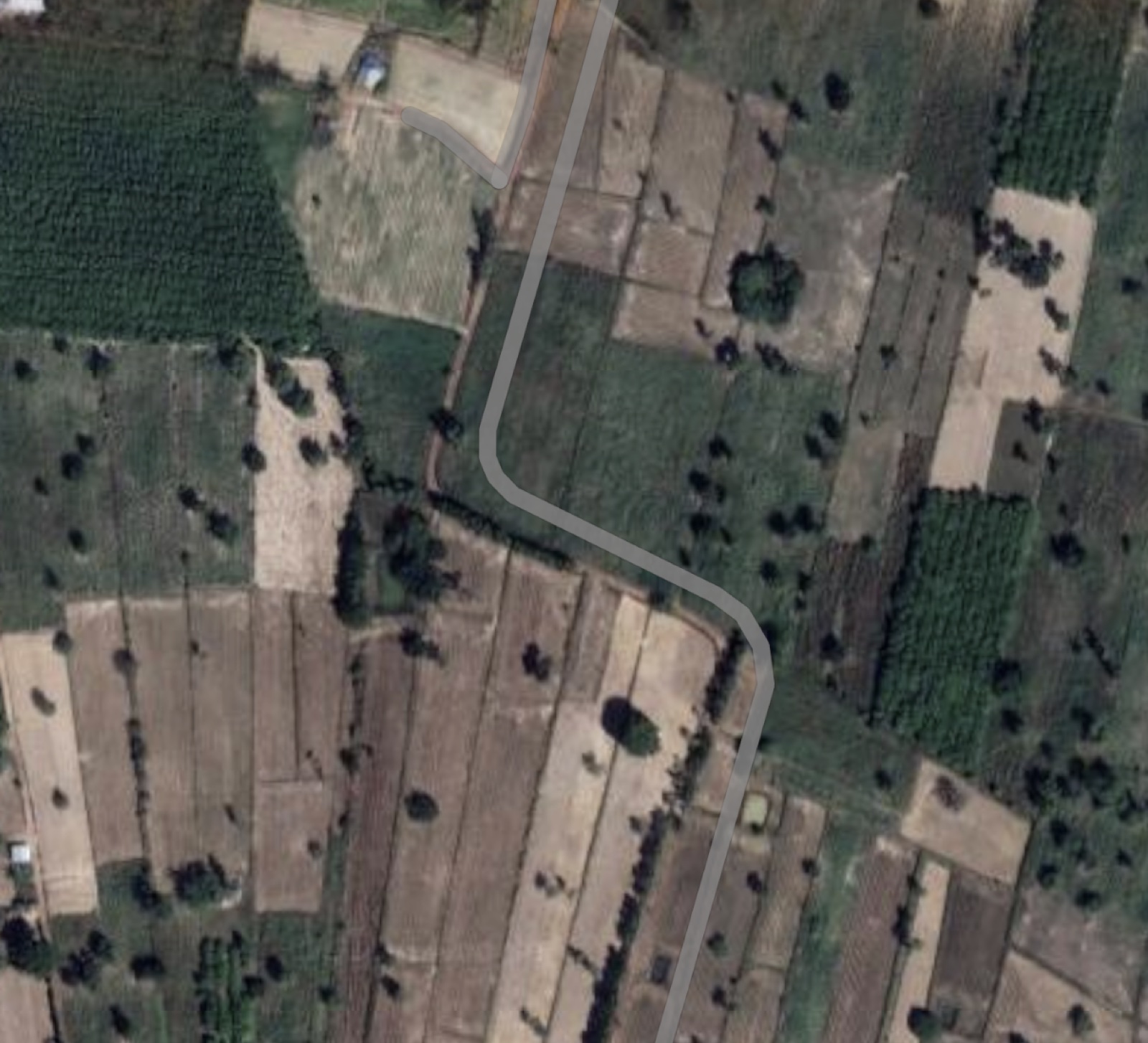
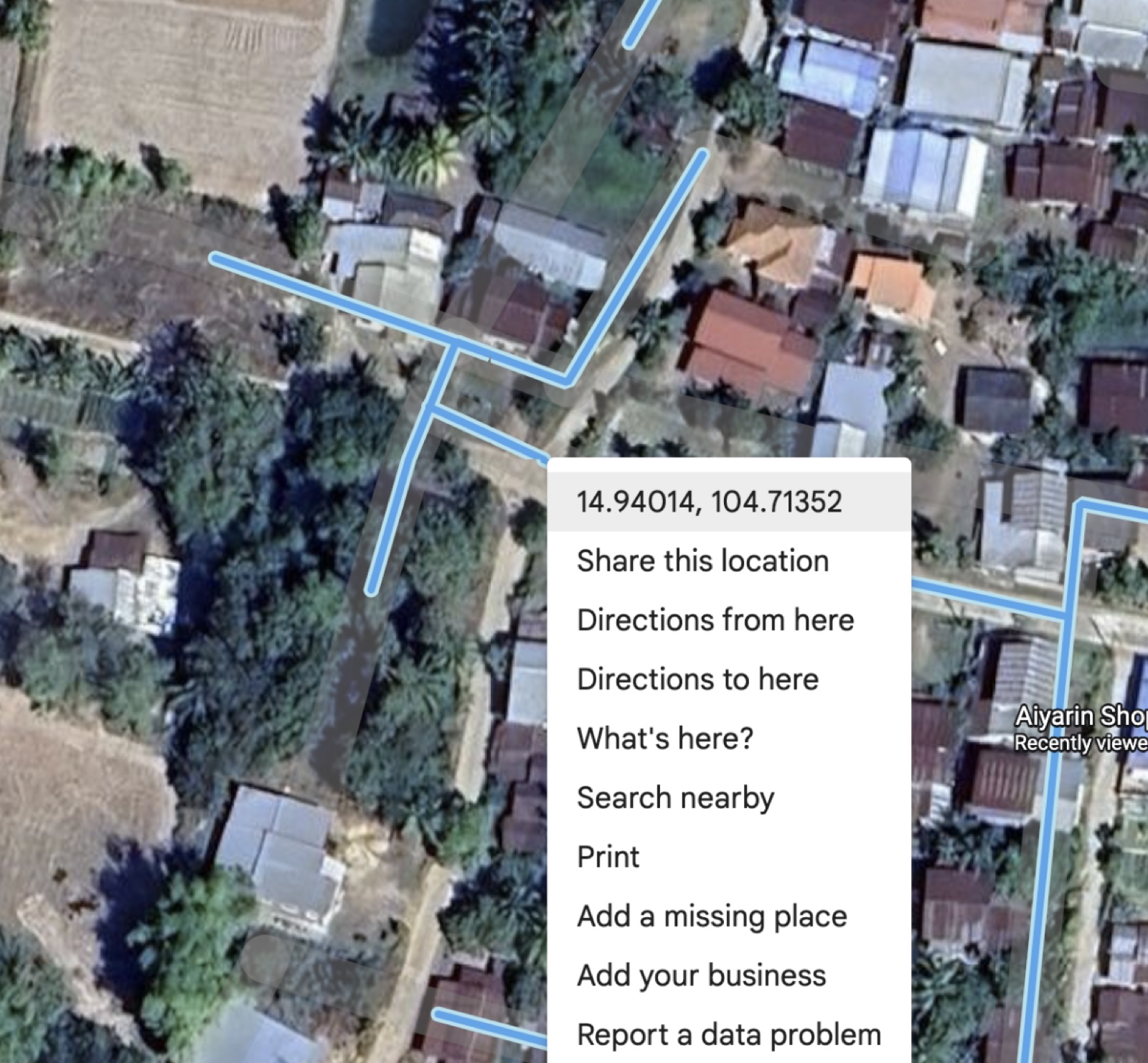
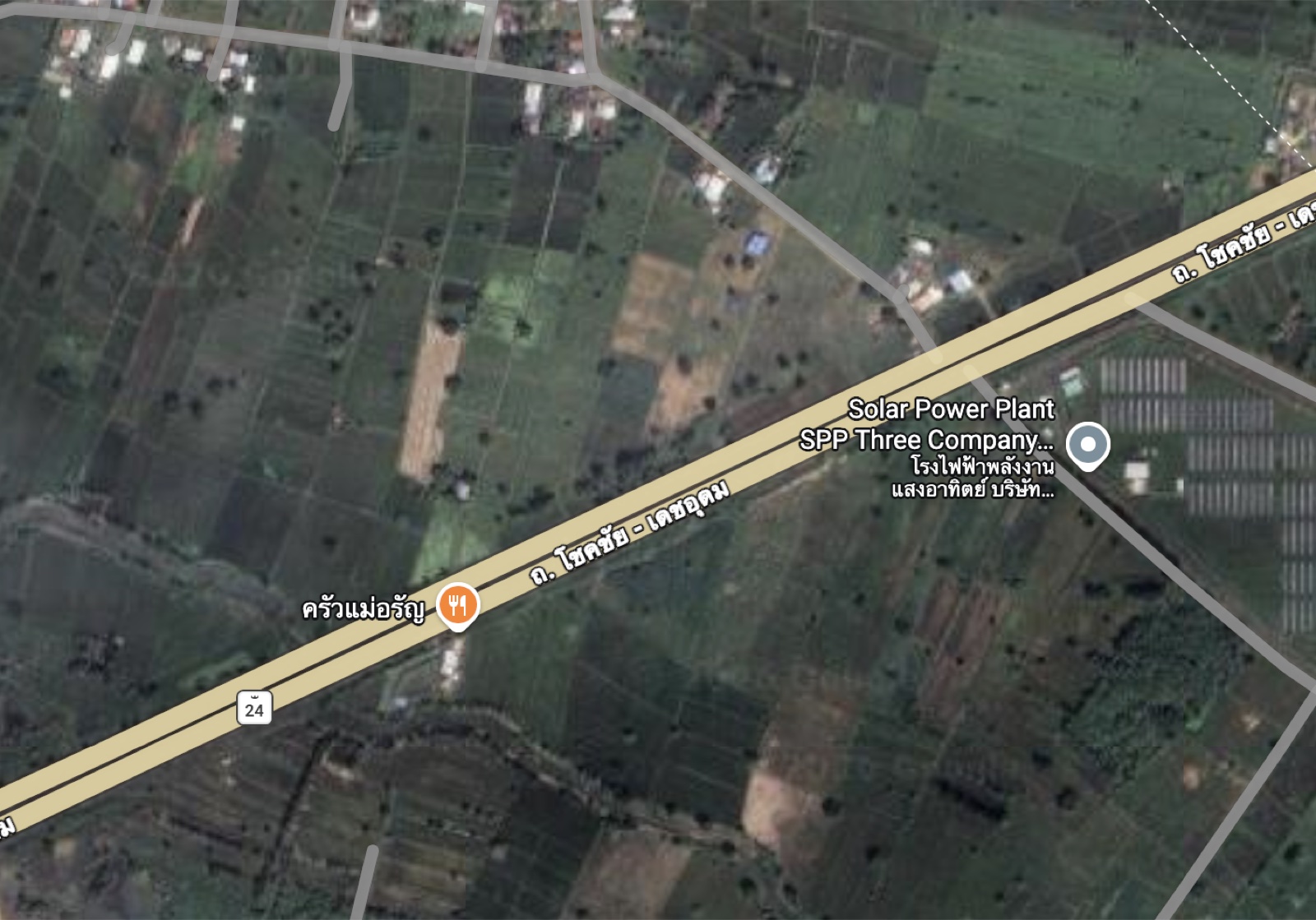
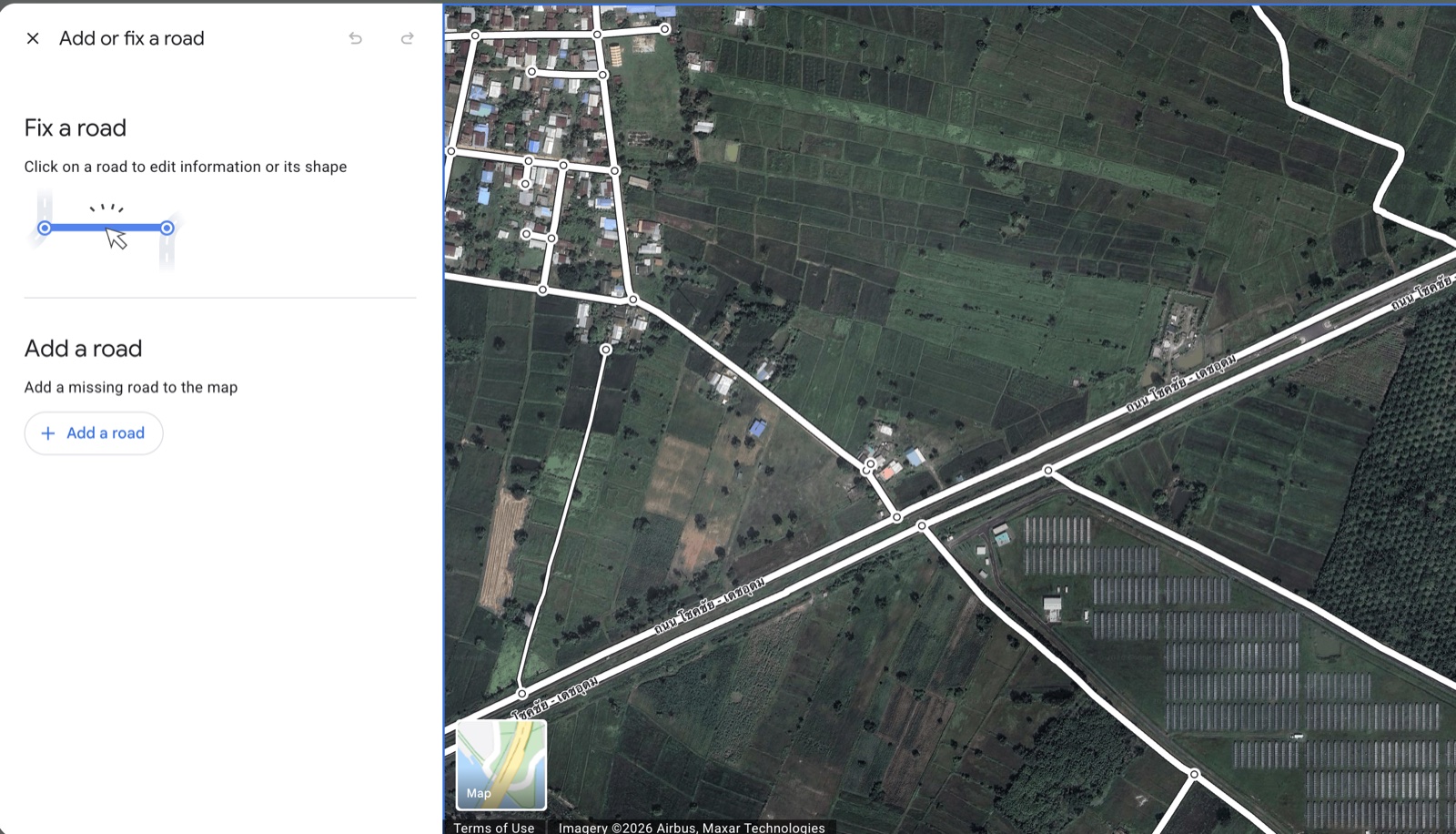
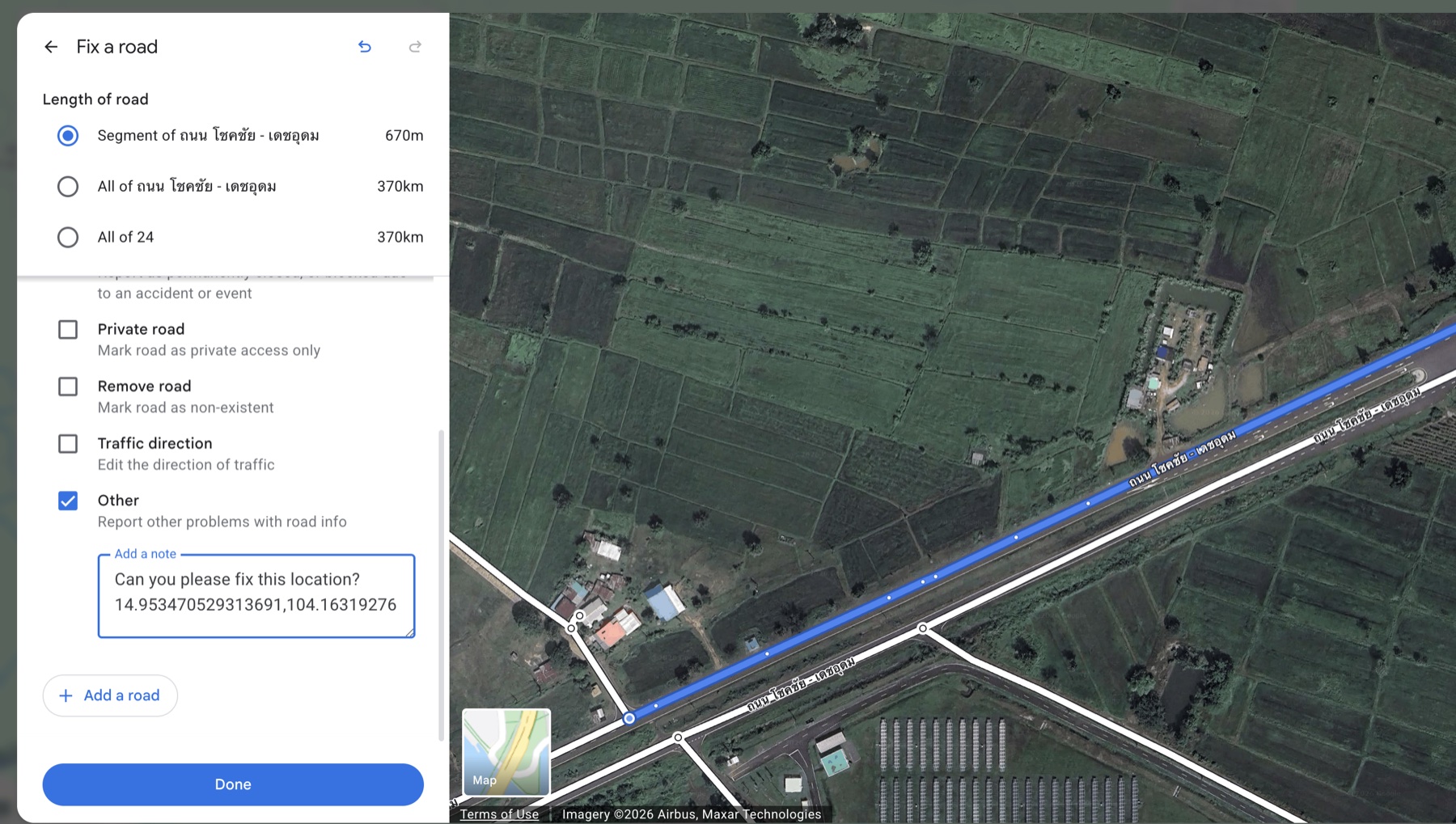
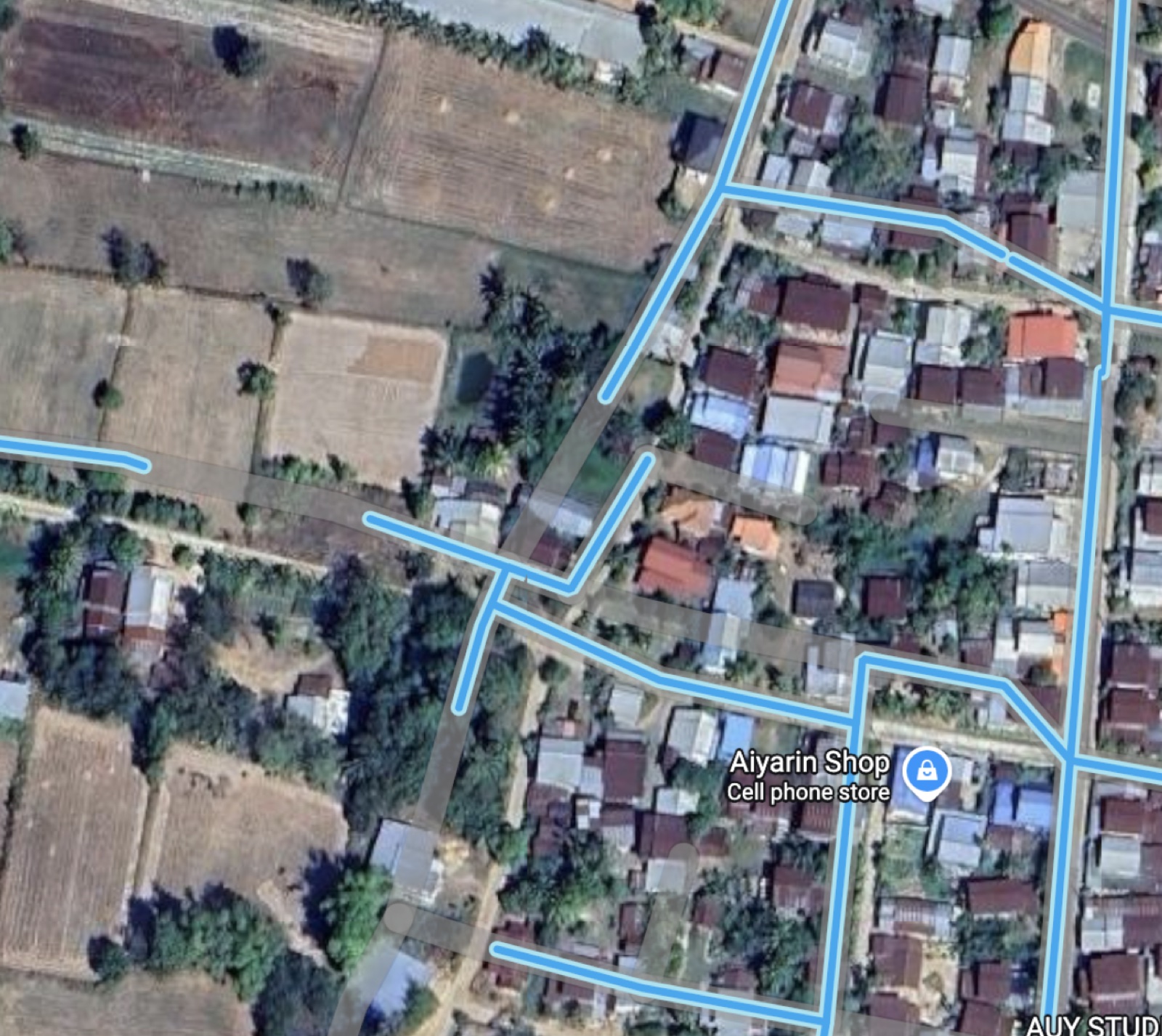
An easy way to identify misaligned roads is to go into Street View mode by clicking on the yellow pegman in the bottom right corner.
(Only certain countries have Street View available)Incorrectly mapped roads will be highlighted by the gaps in Street View coverage.